Media Library: All Your Images, Videos and Documents in One Place
Every image, video, audio file and document you use in Waplify now lives in one Media library. Upload a file once and find it again whenever you need it, without hunting for it on your computer.
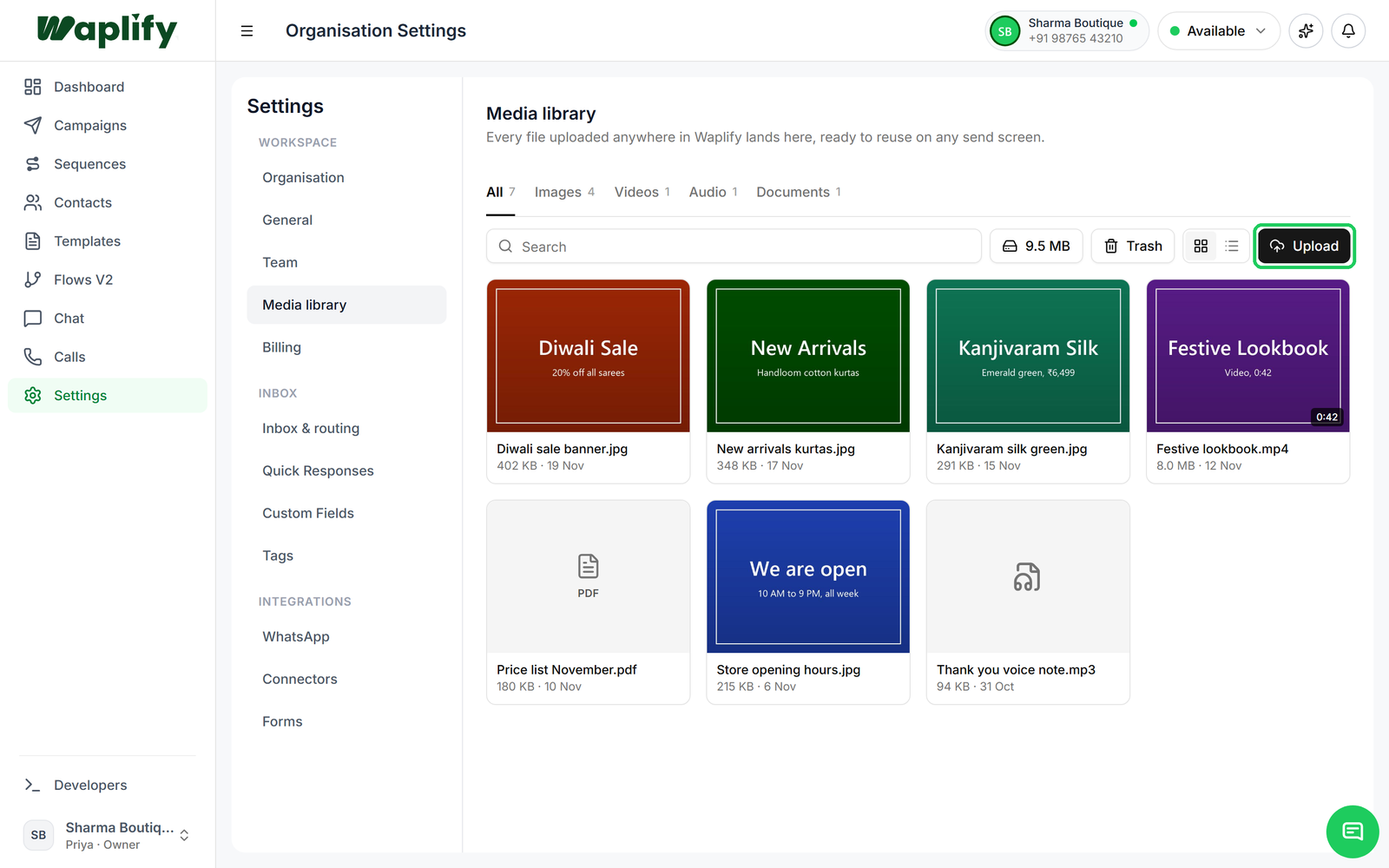
Where to find it
Go to Settings > Media library.
What you can do
- Upload by dragging files onto the page, or click Upload.
- Find files fast with tabs for each file type.
- Rename a file, Download it, or Copy link to use it elsewhere (for example as
media_urlin the API). - Move to trash and Restore. Files in the trash are deleted for good after 30 days, or straight away with Delete permanently.
- Use it in quick responses. When you add an image, video, audio file or document to a quick response, click Choose and pick a file from the Library tab, or upload a new one.
File sizes and types
| Type | Formats | Up to |
|---|---|---|
| Images | JPG, PNG, WEBP | 20 MB |
| Videos | MP4, 3GP, MOV, M4V | 64 MB |
| Audio | AAC, AMR, MP3, M4A, OGG, OPUS | 16 MB |
| Documents | PDF, Word, Excel, PowerPoint, TXT | 100 MB |
Good to know
- Owners, admins and managers can open the Media library page. Agents can still pick and upload files when they send a message.
- Every file you upload anywhere in Waplify, for example in a chat or a quick response, is saved here automatically.
Full details are on the Media Library page.